

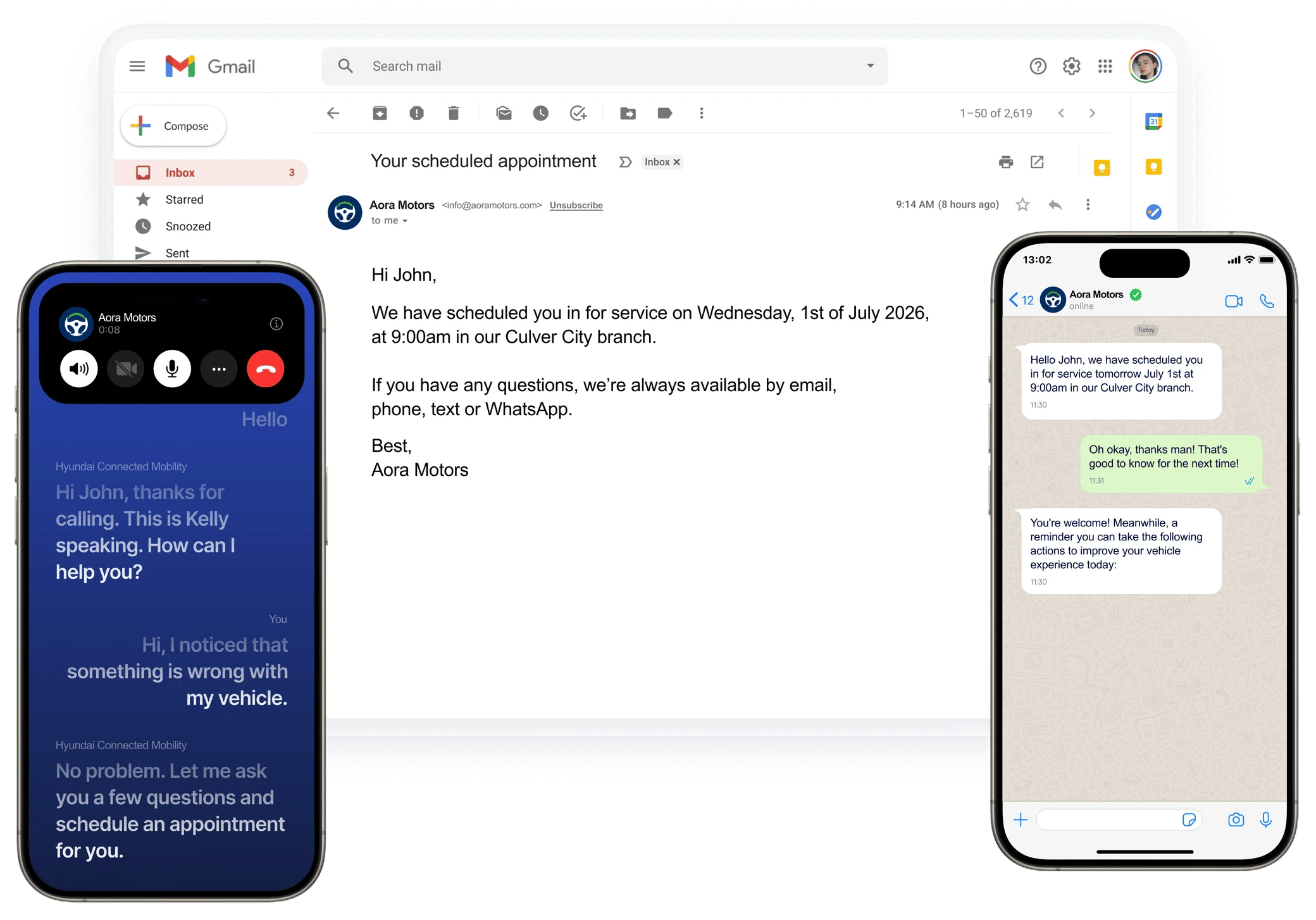
The same appointment confirmation delivered by email, as a voice call, and over WhatsApp from one agent.
Channels at a glance
You choose the channel when you create an agent. Web calls are a setting on a Voice agent, so one agent can take phone calls and web calls with the same script.
What each channel supports
¹ Email agents can also send a human-written template instead of AI-written content.
² Knowledge base retrieval isn’t available for text agents at this time. Put the facts a text agent needs in its script, scenarios, or instructions.
³ Not verified for web calls. Contact support@callers.ai if you need memory on web calls.
Voice-only features include voices and emotions, patience and interruption settings, keypad input, call transfers, voicemail handling, and recording. Email adds mailbox rotation, send limits, and an optional human approval queue.
Bridge text and voice with pre-call chat
Pre-call chat connects a text channel to an outbound voice agent. Before dialing, the agent sends an SMS or WhatsApp message asking whether the contact is open to a call, then acts on the reply. Contacts who agree expect the call and answer more often. Contacts who decline aren’t called. See Pre-call chat.Contact memory across channels
With contact memory on, the agent saves useful facts from each conversation, such as preferences, commitments, or reasons for declining. The next conversation starts with that context, so the agent doesn’t ask the same questions twice. Memories belong to the contact. Across agents in your organization, they are matched by phone number, so a contact who texted your SMS agent last week can be greeted with that context when your voice agent calls. You can turn off memory per agent, or stop an agent from using memories created by other agents. See Contact memory.One results model
Every channel produces the same kinds of results:- Outcomes from your success criteria, such as goal reached, not interested, or a custom outcome like “Follow-Up Scheduled.”
- Summaries and key questions from post-conversation analysis.
- Webhooks for each channel’s events, so one endpoint can receive call, chat, and email results. See Webhook events.
- Post-conversation actions that update your CRM or trigger the next step, based on the outcome.
Build without code, or with the API
Everything on this page can be set up in the dashboard, with help from Studio Chat if you prefer to describe what you want. Developers can create agents, add contacts, start and stop agents, and receive results through the API and webhooks. Web calls can be embedded with the widget or the Web SDK.Related
Create an agent
Pick a channel and generate a script.
Text agents
SMS and WhatsApp setup.
Email agents
Mailboxes, sequences, and approvals.
Web call widget
Add voice to your website.