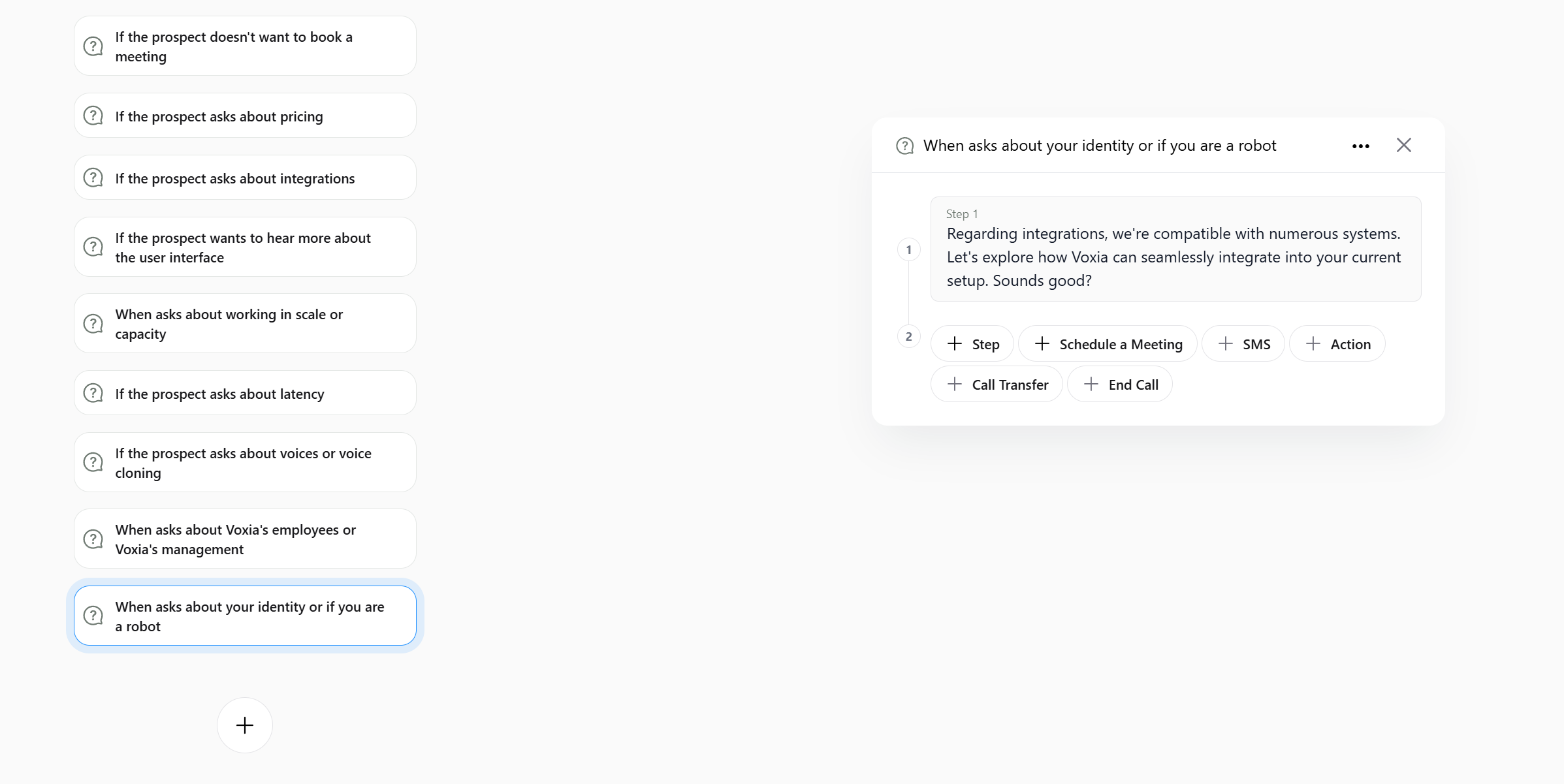
Add a New Scenario
- Press the
Scenariosbutton in the top navigation bar. - Press the
+button to create a new scenario. - Choose a title for the scenario which represents a question or situation that might arise during the call.
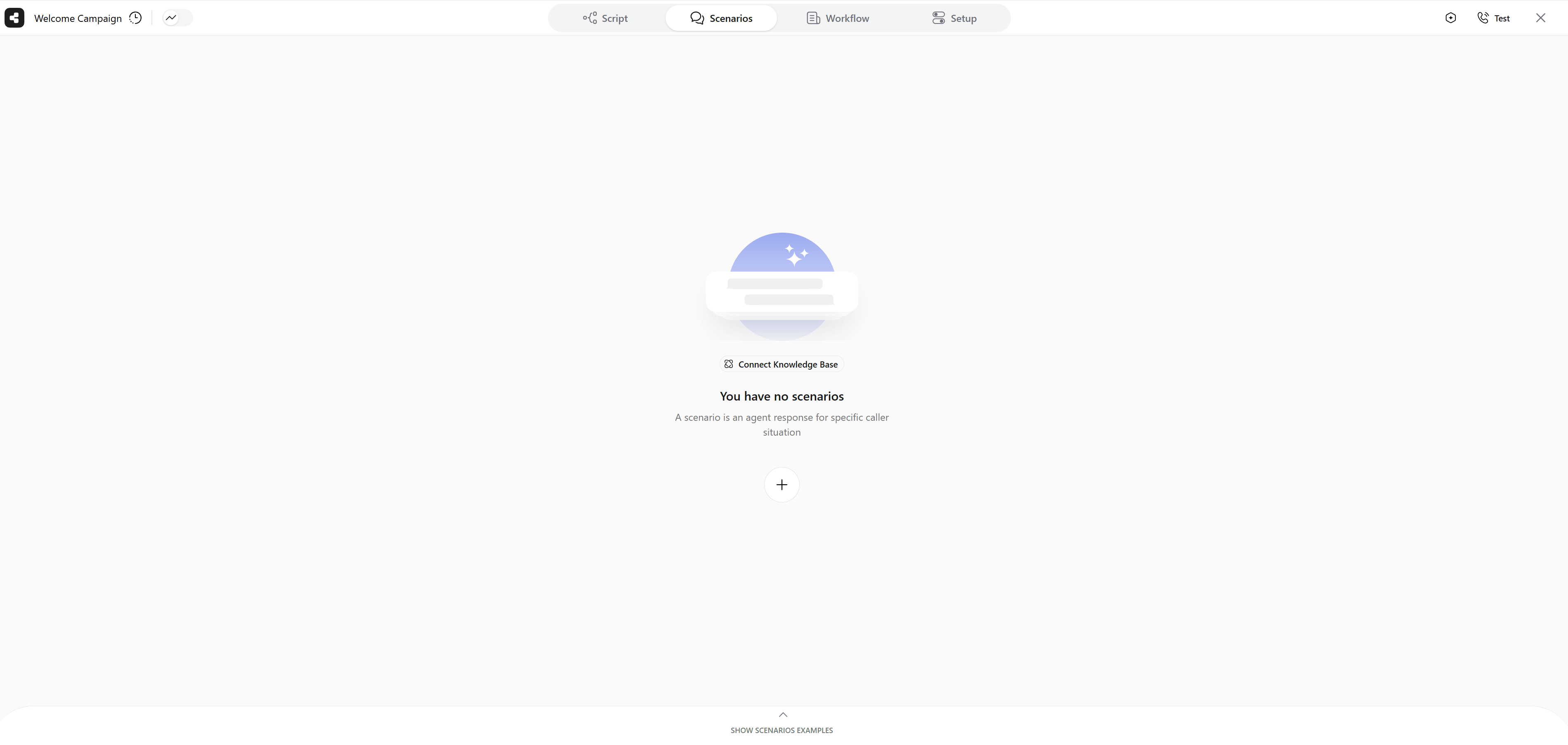
Define a new Scenario or choose one from available examples
Add Steps
- Add steps that the agent will follow when handling the scenario. The nodes of the scenarios are similar to the nodes in the script. You can:
- Add steps for the agent to follow
- Schedule a meeting
- Transfer the call
- Send an SMS
- Add key questions