

WidgetThemeConfig. You pick a light or dark base and override only what you need; everything you leave out comes from the base. The same object works in the dashboard, in the script tag and in code.
Which theme wins
- A theme passed in code:
themein the config,data-themeon the script tag, or a latersetTheme()call. - The theme saved on the agent in the dashboard, fetched when the widget loads.
- Default Light.
setTheme()), the dashboard theme no longer applies to that instance.
The launcher label follows its own order: fabText in the config, then the theme’s fab.text, then an icon-only button.
Set a theme
DEFAULT_LIGHT_THEME and DEFAULT_DARK_THEME are the exported starting points ({ base: 'light', name: 'Default Light' } and { base: 'dark', name: 'Default Dark' }).
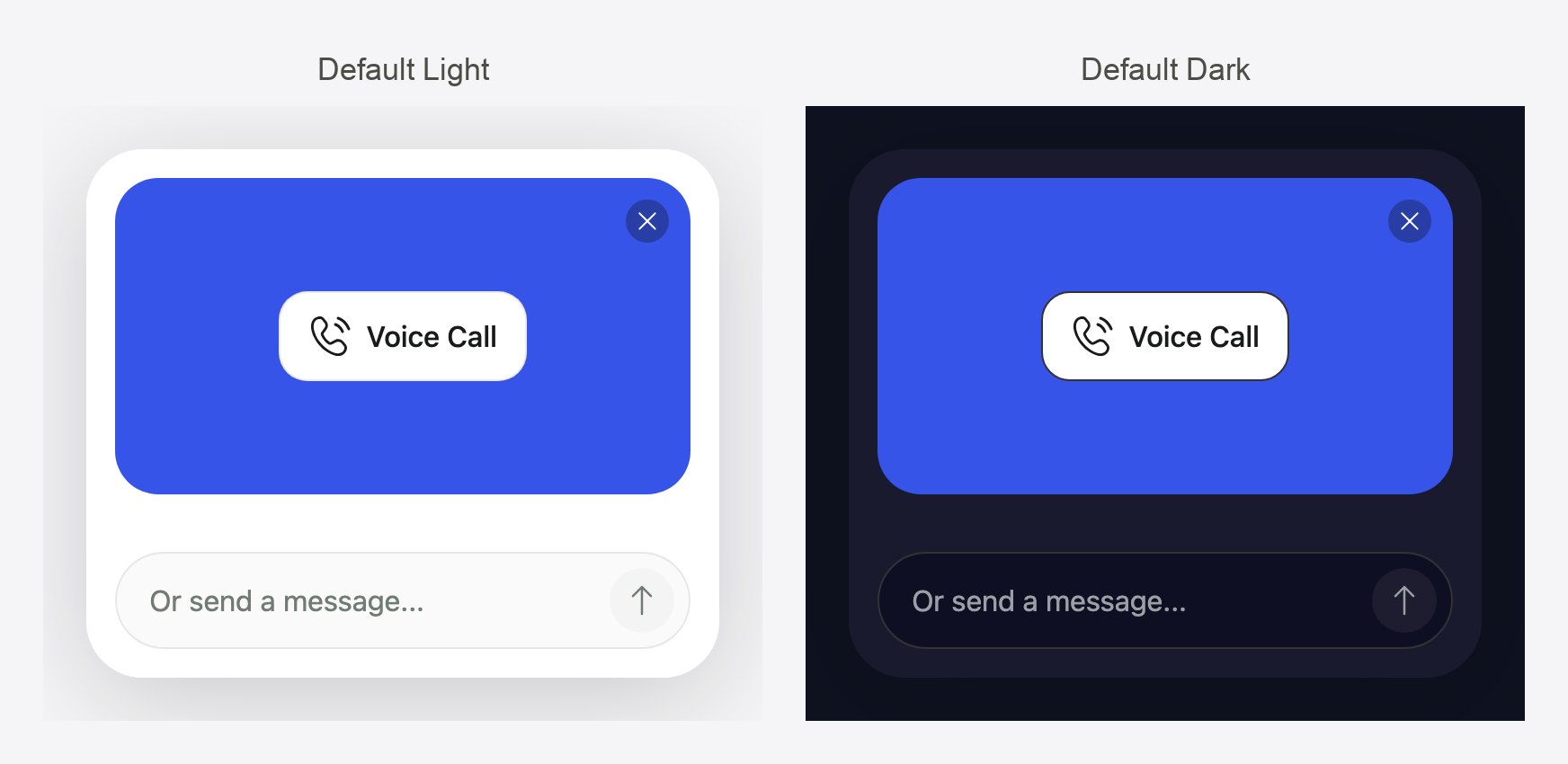
The two base palettes on the pre-call card. Every override in your theme sits on top of one of them.
Change the theme at runtime
setTheme() replaces the whole theme immediately, even mid-call. Values you leave out go back to the base palette, so pass the complete theme each time.
Launcher position
Position is set outside the theme, so it also works on top of the dashboard theme: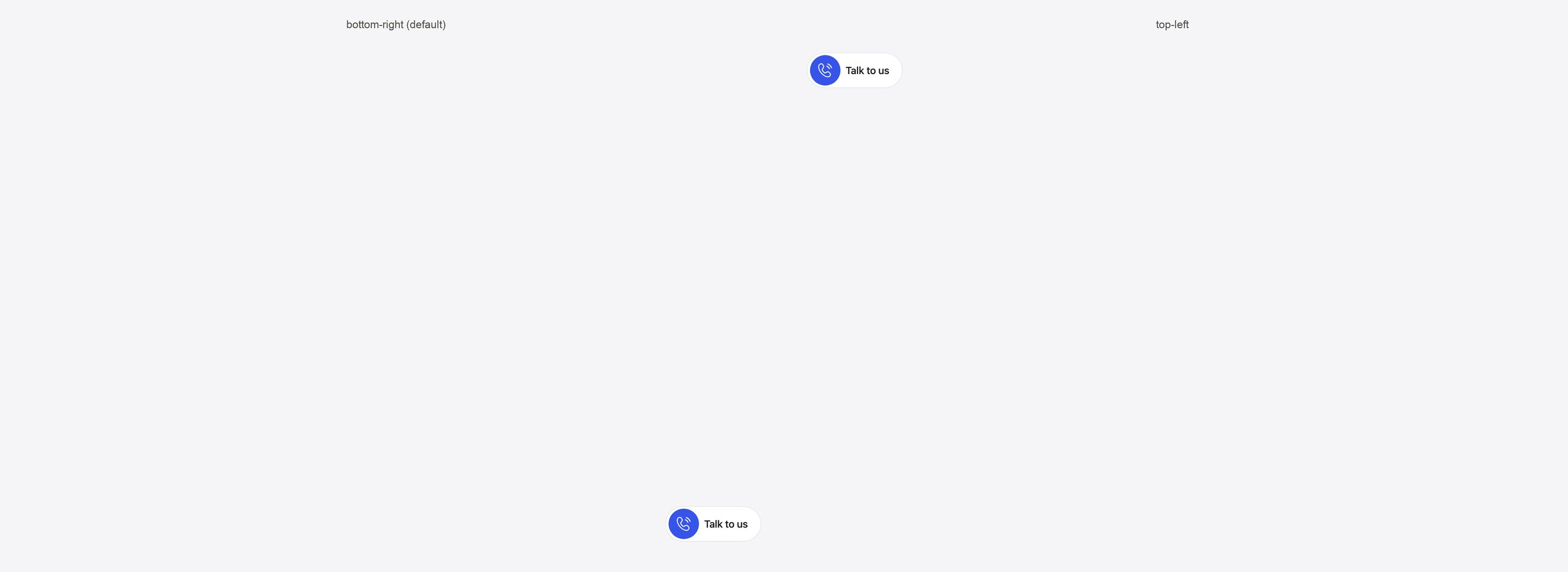
The launcher in the default corner and in the top-left corner. The call window opens from the same corner.
containerId (see Configuration).
WidgetThemeConfig reference
Every field except base is optional. Colors accept any CSS color: hex, rgb(), rgba() or a named color.
Top level
'light' | 'dark'
required
The palette everything else layers onto.
string
A label for your own reference.
string
default:"Inter"
Inter, system (the device’s UI font), or any font family your page already loads.Launcher: fab
Call window: sections
The hang-up button always stays red.
Agent side: questions
Visitor side: answers
answers.widgetCard applies only to forms shown as an inline card. Forms shown inside an agent message use questions.agentBubble colors.
Scale values
Base palettes
Complete example
Try in the playground
Turn on Custom widget theme in the Look step to edit colors live, then open Get code > setTheme() to copy the result.Dark widget
Start from the dark base.
Teal brand, bottom left
A labeled launcher with custom brand colors.
Related
Styling the widget
Build a theme visually in the dashboard.
Configuration
Every option, in code and as script tag attributes.
Playground
Try themes live and copy the generated code.
Talking avatars
Add an animated avatar to the widget.